Email Inbox for ChatGPT Dots: Documents and Sign-In Emails
Give your ChatGPT dot an email inbox for forwarded documents, receipts and sign-in messages. Connect Revdoku and put incoming email to work.
BLOG
Give your ChatGPT dot an email inbox for forwarded documents, receipts and sign-in messages. Connect Revdoku and put incoming email to work.
Keep travel documents, quotes and sign-in emails in a dedicated inbox for your Instinct tasks. Try practical prompts for the messages and files you collect.
Give Meta Muse an email inbox for documents, receipts and sign-in messages. Set up a custom connector and try a simple quote-comparison workflow.
Using Gmail for an AI agent? Understand sending limits, OAuth permissions and aliases, then compare Gmail with a dedicated Revdoku inbox.
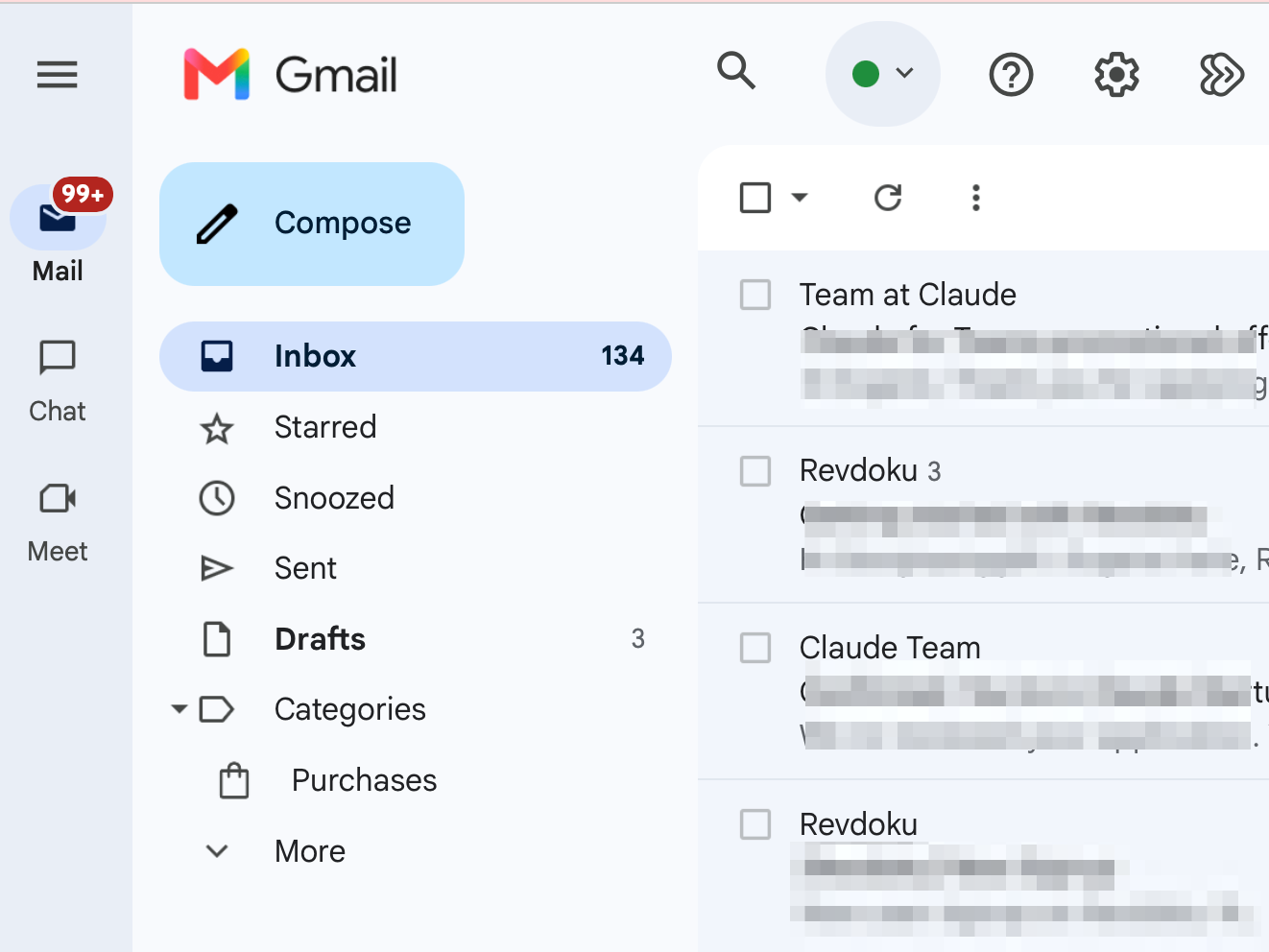
Learn why a personal Gmail inbox is a poor fit for an AI agent. Compare read access, activity records, aliases, and control over incoming mail.
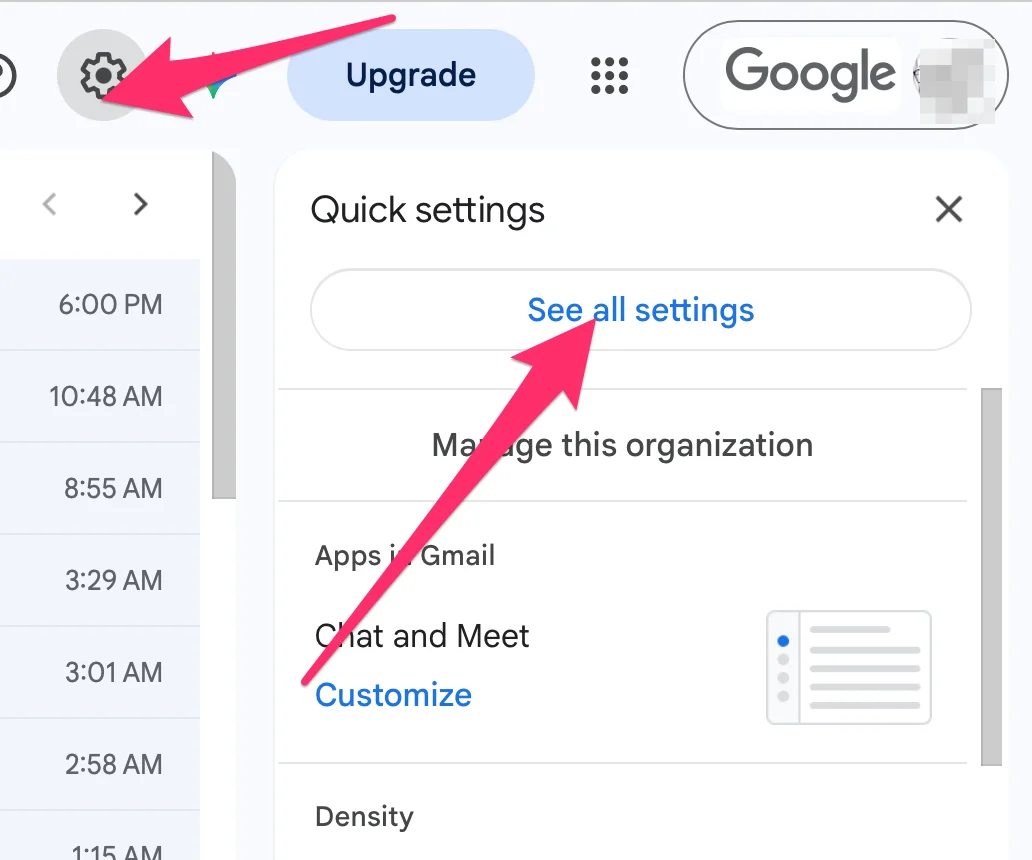
Learn how to auto-forward Gmail to a Revdoku mailbox using filters or global forwarding so AI agents can access email content and attachments.
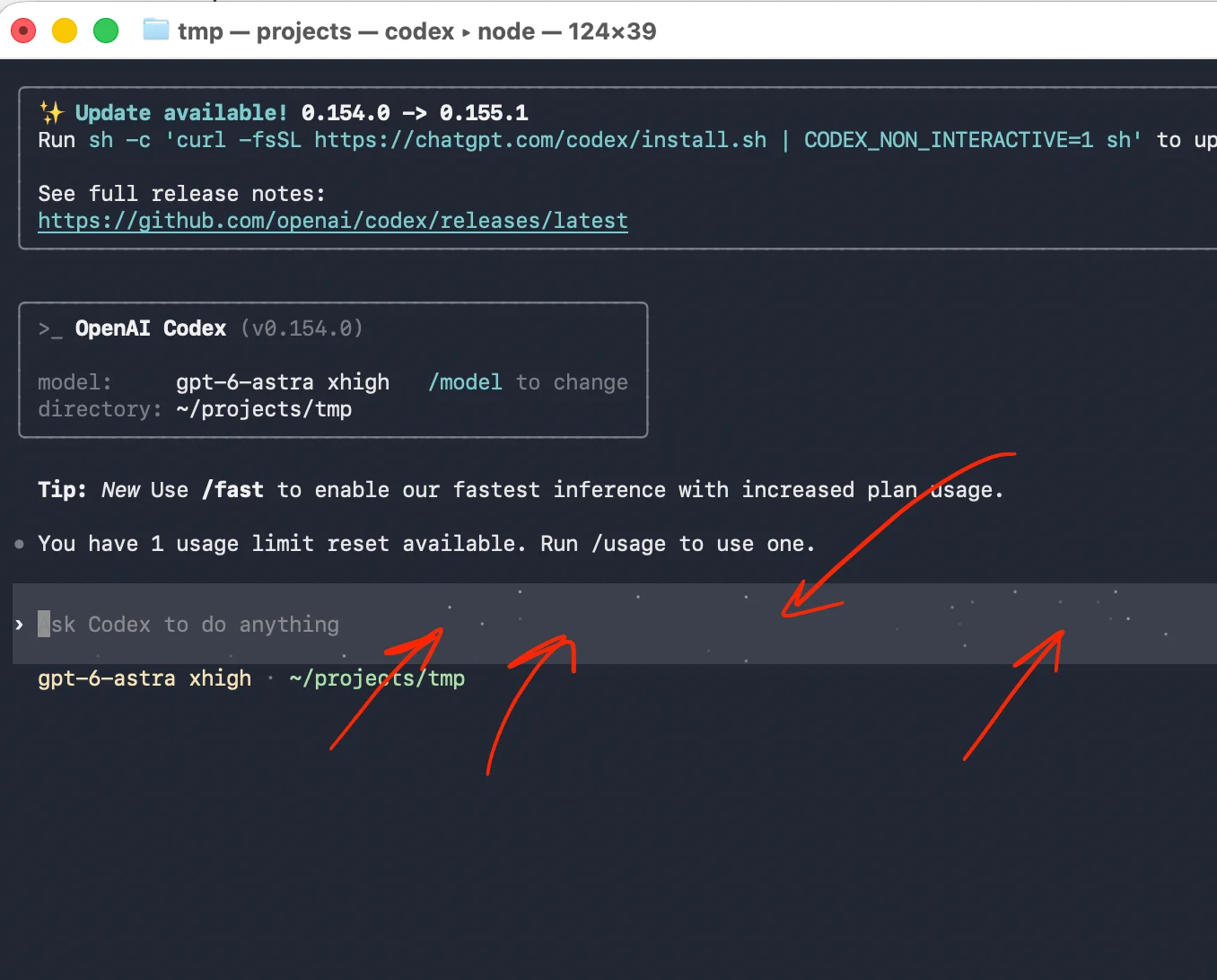
Disable Codex CLI's sparkling input background with whimsy = false in config.toml. Follow Vi editing steps, restart instructions, and troubleshooting.
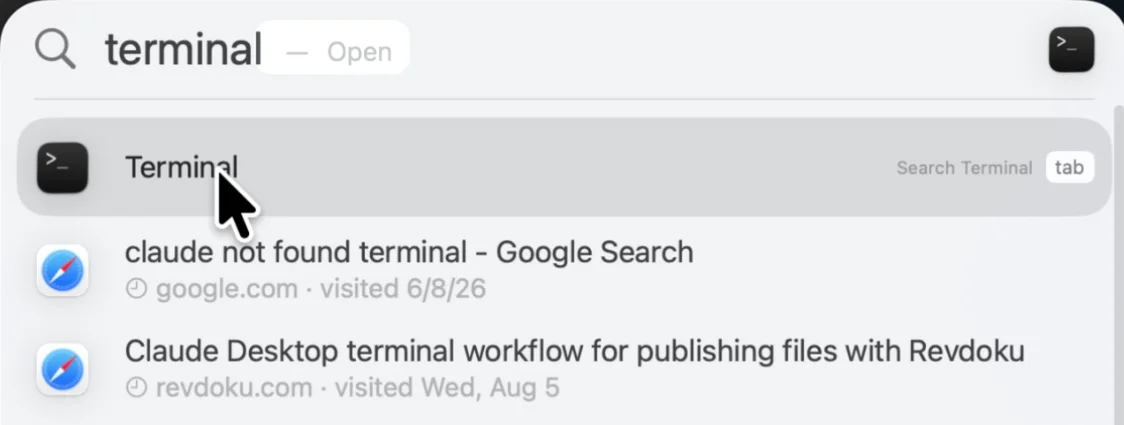
Follow seven exact checks before buying a used MacBook: serial number, screen, battery health, MDM, Apple Diagnostics, and Activation Lock.
Protect Cloudflare Pages previews, production URLs, and custom domains with Cloudflare Access, email one-time PINs, and identity policies.
Your AI agent or app gets a unique email address, like [email protected]. It can receive emails and attachments, send replies and store files.