How to Password Protect a Netlify Site
Enable Netlify Password Protection, choose production or preview coverage, and test visitor access across deployment URLs and custom domains.
BLOG
Enable Netlify Password Protection, choose production or preview coverage, and test visitor access across deployment URLs and custom domains.
Understand GitHub Pages privacy, configure eligible Enterprise Cloud project sites, and choose protected hosting when clients need a shared password.
Configure Vercel Password Protection, choose deployment environments, review bypasses, and test production and preview access.
A beginner AWS Lightsail tutorial for publishing a vibe-coded Node app with Nginx, a static IP, HTTPS, backups, and monitoring.
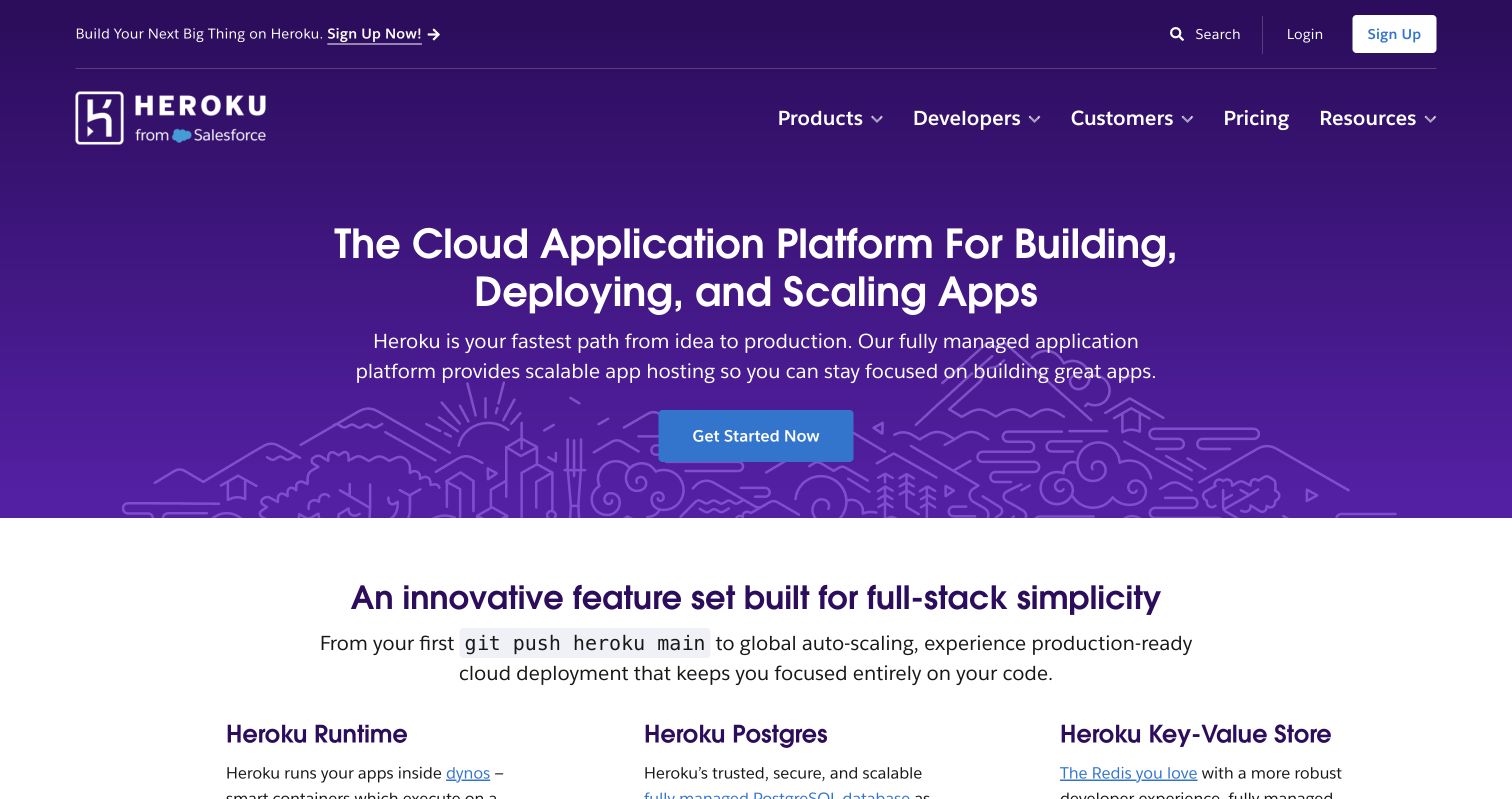
Publish an AI app on Heroku through GitHub, protect secrets with Config Vars, connect a domain, and deploy updates safely.
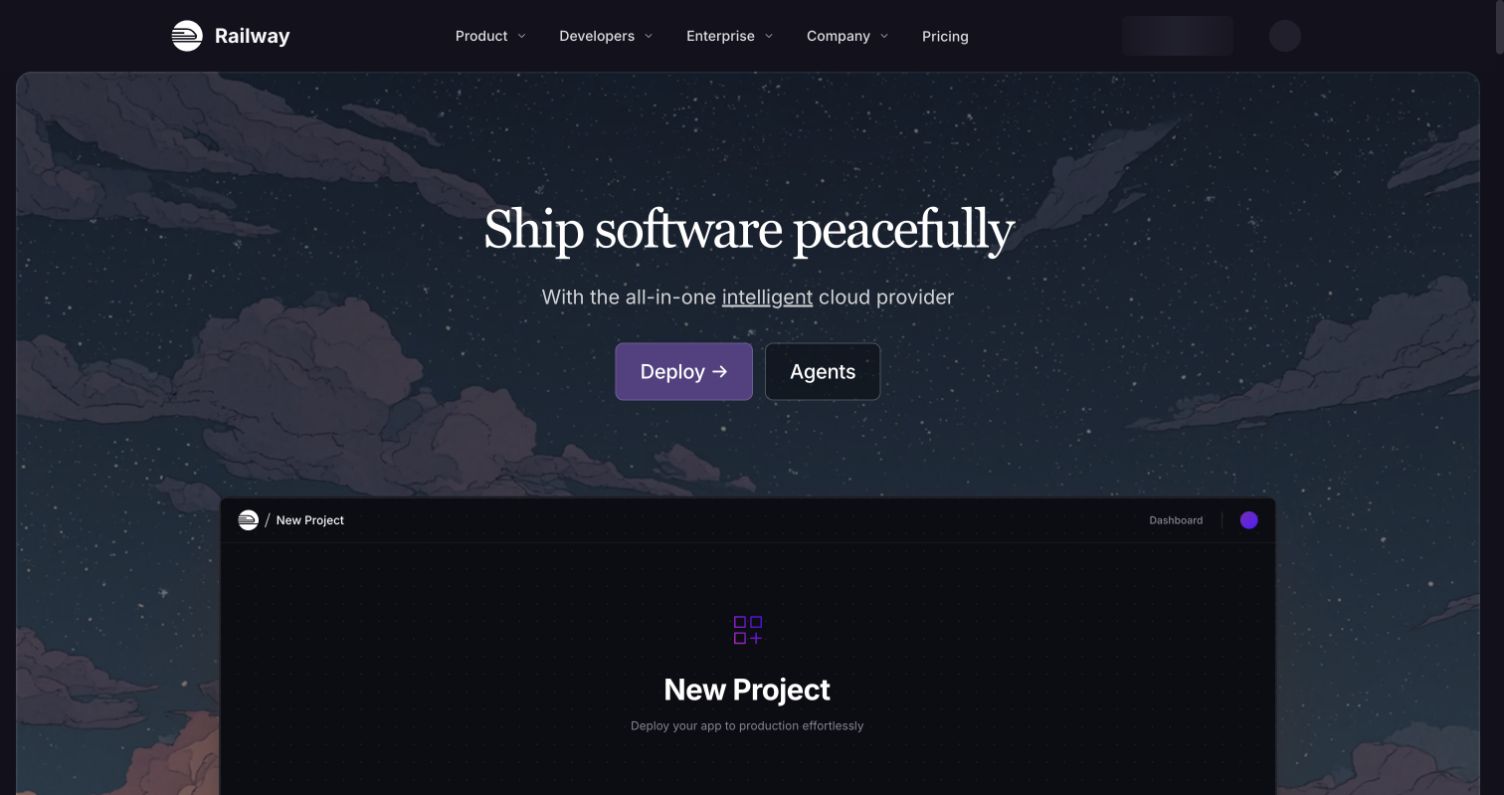
A beginner Railway deployment tutorial for publishing a vibe-coded AI app from GitHub, including secrets, domains, logs, and updates.
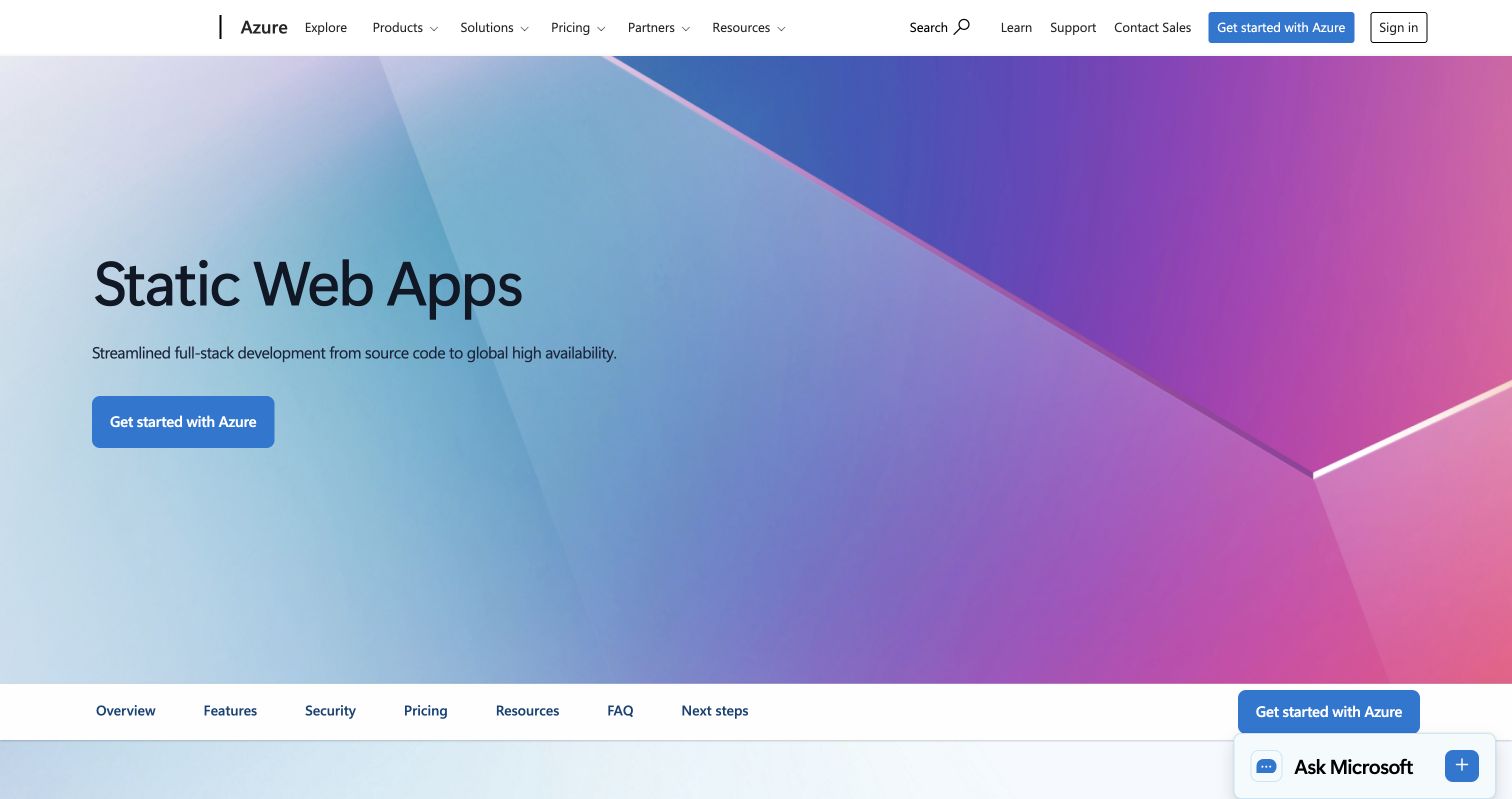
Publish an AI-generated website from GitHub with this beginner Azure Static Web Apps tutorial, including build settings and a custom domain.
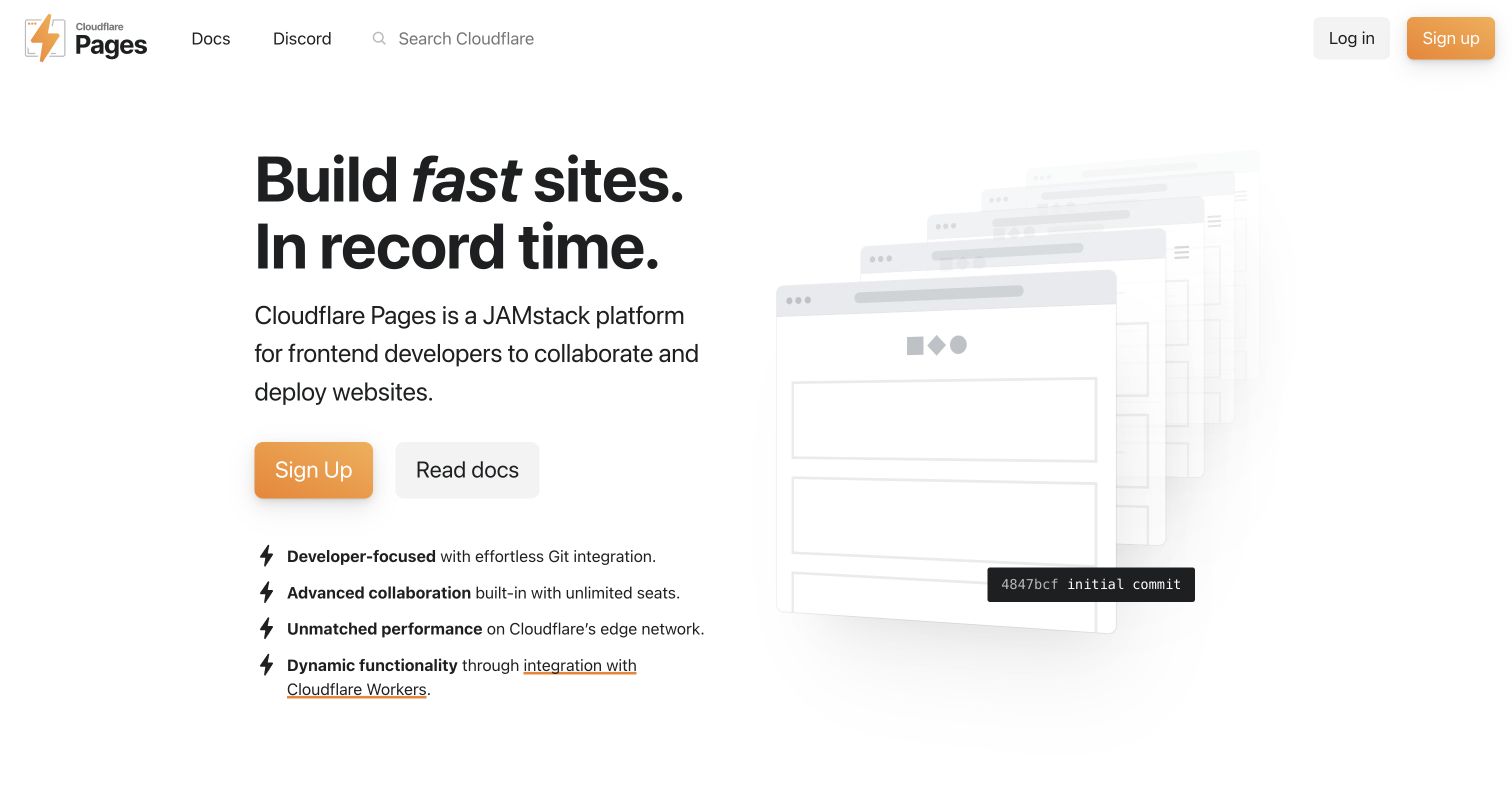
Publish an AI-generated static website with Cloudflare Pages Direct Upload, add a custom domain, and use Wrangler for repeatable updates.
Publish an AI-generated static site with Firebase Hosting, from CLI setup and SPA rewrites to deployment, testing, custom domains, and updates.