An inbox for your AI agent
Claude or ChatGPT can use its own email address to create accounts on websites. Your AI agent can read confirmation codes and sign-in links.
Your AI agent or app gets a unique email address, like [email protected]. It can receive emails and attachments, send replies and store files.
Someone emails your agent’s address. Revdoku tells your agent right away.
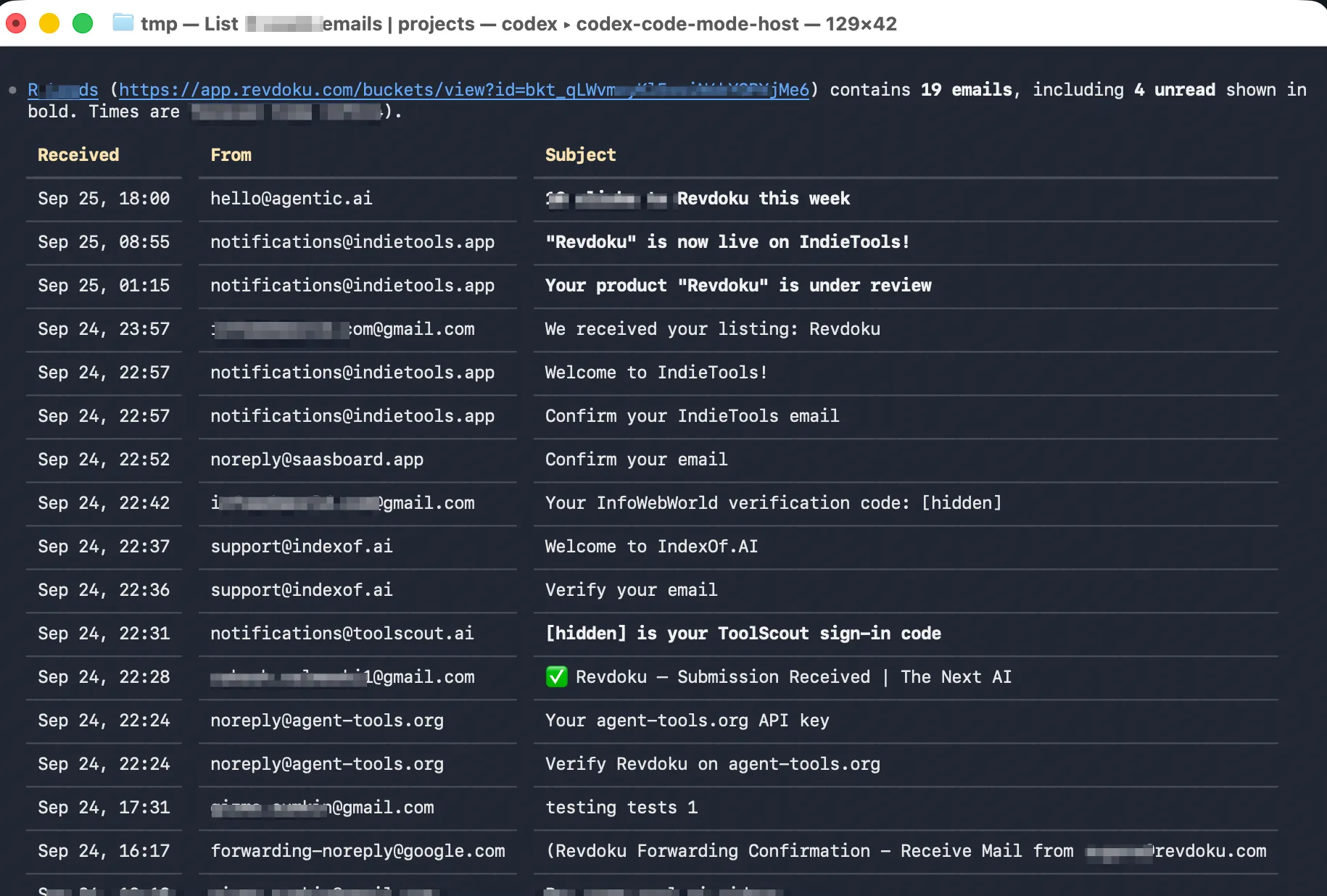
It reads the email and its attachments when it needs them.
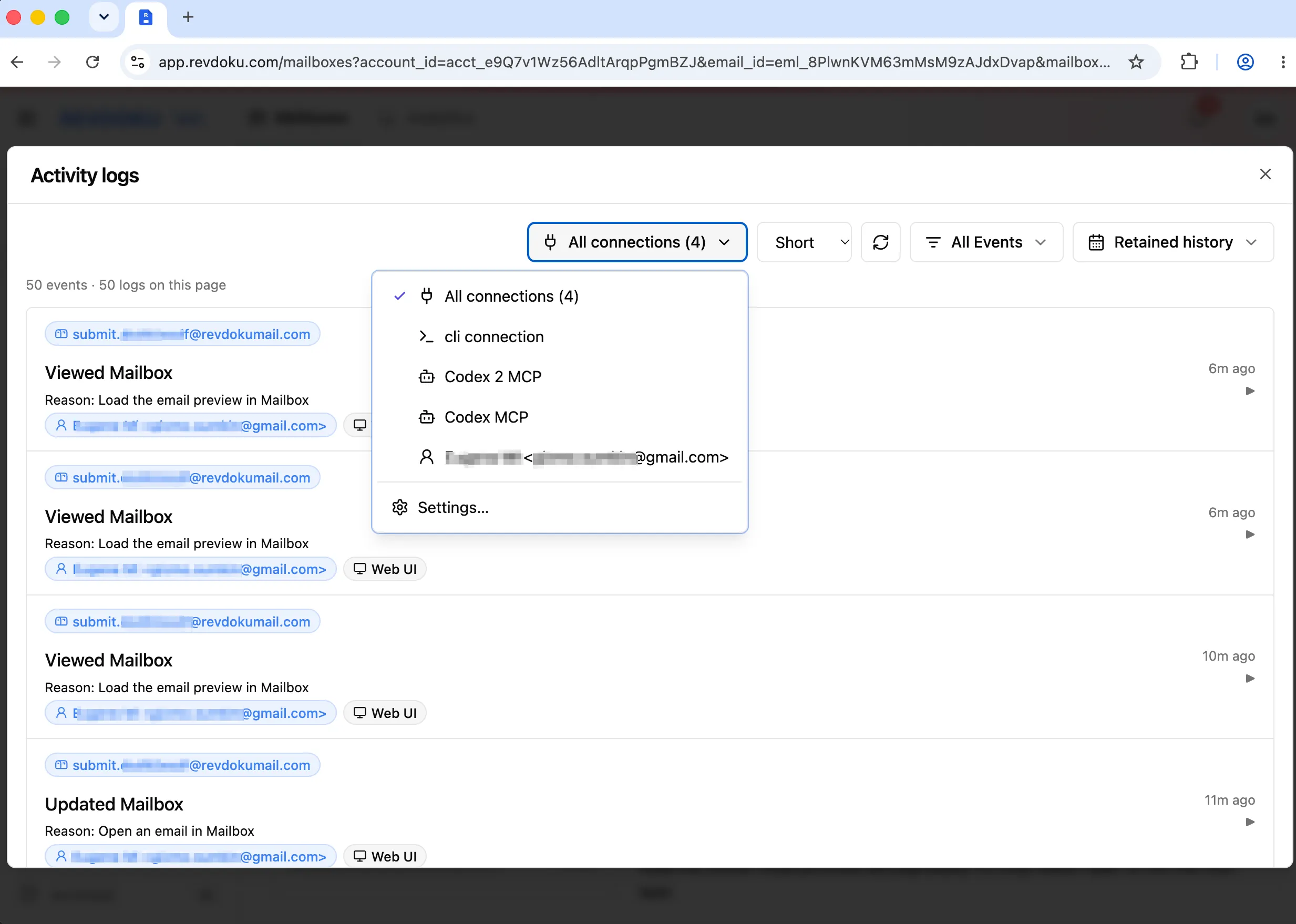
The audit log shows each email and file your agent opened, and why.
It uses what it found and can reply to the sender.
Your sign-in code
Read email
Reason: find the project brief
Read file brief.pdf
Reason: check the requirements
Claude or ChatGPT can use its own email address to create accounts on websites. Your AI agent can read confirmation codes and sign-in links.
When a new email arrives, Revdoku can tell your AI agent or app right away, so it starts working without you checking the inbox.
Your app can create an inbox for each app's user through the Revdoku API. On paid plans, each inbox can use your own domain, such as [email protected]. Your users receive email and attachments without a Revdoku account.
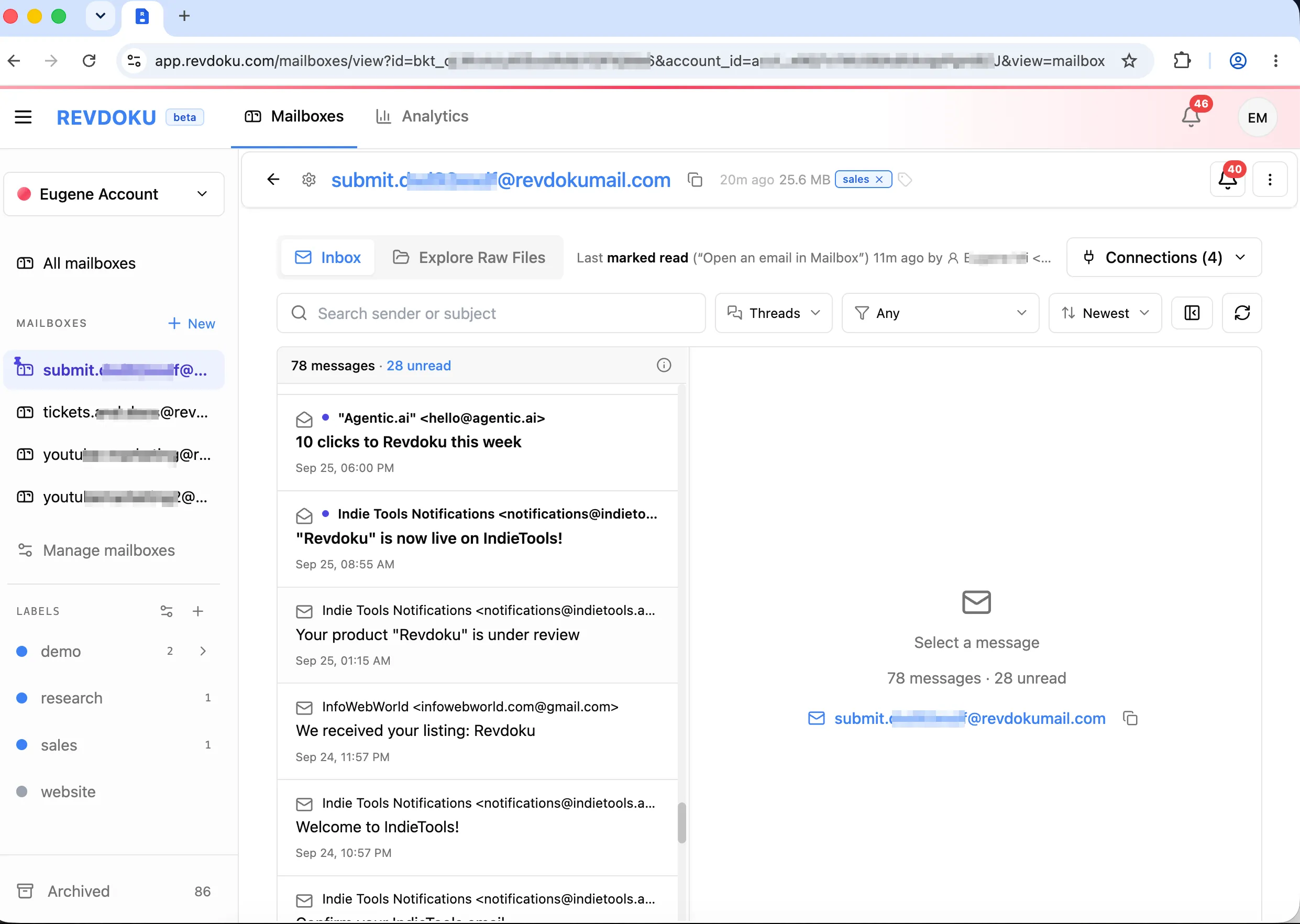
Yes. You can create a free inbox. You do not need a payment card.
3 inboxes, 3,000 incoming emails a month, 1 GB of storage and 3 AI app connections. Paid plans add your own domain, exact inbox names and higher limits. See pricing.
Revdoku creates your first inbox right away and shows its address in your dashboard. Then connect your AI app. Paste the setup prompt into it, or follow the guide for your app on the AI apps page.
Yes. Your agent can reply to people who email its inbox. It cannot start new conversations with addresses that never wrote to it. Monthly reply limits are on the pricing page.
No. Your server creates the inboxes and controls access for each user.
Keep API keys on your server.
Revdoku stores your data in the European Union (EU) by default. AES-256 encryption protects stored data. TLS encryption protects data during transfer.
Learn why a personal Gmail inbox is a poor fit for an AI agent. Compare read access, activity records, aliases, and control over incoming mail.
Give Meta Muse an email inbox for documents, receipts and sign-in messages. Set up a custom connector and try a simple quote-comparison workflow.
Using Gmail for an AI agent? Understand sending limits, OAuth permissions and aliases, then compare Gmail with a dedicated Revdoku inbox.