Why a personal Gmail inbox is a poor fit for an AI agent
Give your AI agent a separate inbox with only the messages it needs for its task. An agent that reads receipt totals does not need your personal messages, health records, or password-reset emails. Personal Gmail combines your messages and identity. An agent needs separate access and a record of its actions.
Google supports AI connections to Gmail. Its official Gmail MCP server is in Developer Preview. MCP is a standard that connects AI apps to tools. See Google’s Gmail MCP documentation.
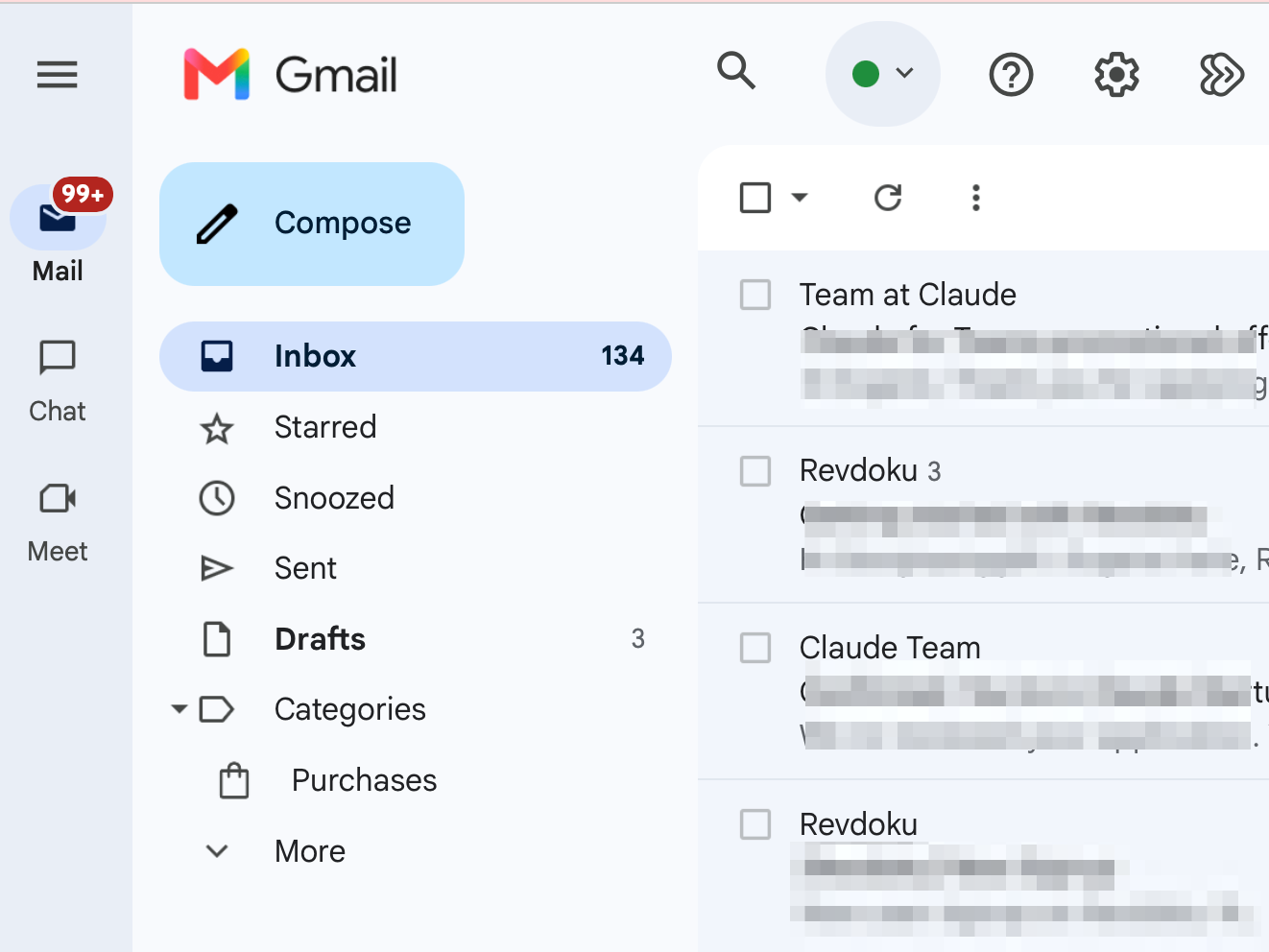
Gmail inbox, with message details blurred.
Gmail read access extends beyond a label
A scope defines what an app can access. The Gmail API lets an app work with email. Its general gmail.readonly scope permits access to messages and settings across the inbox. Gmail add-ons have separate scopes for a message that you open. See Gmail access scopes.
The general scope does not restrict an unattended agent to one label or thread. A label or search filter in app code selects messages. The app still has permission to read other messages.
Personal Gmail has a limited access history
Personal Gmail’s Last account activity shows recent access times, access types, and IP addresses, including the locations of connected apps. An IP address is a network address. See Gmail activity history.
You need to know which agent read each message and when. Personal Gmail’s history does not give a complete record of these actions. If apps share one credential, record each agent’s actions in the app. Include the agent, message, action, and time.
Managed Google Workspace offers Gmail audit events and OAuth audit events. OAuth lets apps use access that you authorize. These records include app identifiers and some API call details. The available details depend on administrator permissions and Workspace edition.
Browser sign-in can require your attention
Google can block a sign-in when it cannot establish that you own the account. Its documentation lists new devices or locations and insufficient sign-in information as possible causes. See Google’s sign-in restrictions and blocked sign-in notices.
An agent that uses a remote browser can need your help to sign in. A blocked sign-in can stop unattended work until you restore access. Keep this task separate from the personal inbox that receives your recovery and sign-in messages.
Gmail aliases still reach the same inbox
An alias is another address for the same inbox. Gmail supports plus addresses, such as [email protected]. Workspace administrators can add aliases. Neither separates agent access from the inbox.
Eligible accounts can create a new @gmail.com address once every 12 months, up to three times in total. The old and new addresses still share the inbox. You can change back to an old address at any time. See Google’s address-change rules.
Control which messages reach your AI agent inbox
Personal Gmail puts future messages from a blocked sender in Spam. This control does not reject all mail except messages from approved senders. See Gmail sender blocking.
Workspace administrators can restrict incoming messages to selected addresses or domains. A domain is the part after @ in an address. Personal Gmail does not have this administrator control. See the Workspace Restrict delivery setting.
Restrictions on sources help keep unrelated documents out of the task. Even an approved sender can supply harmful content. Prompt injection uses false instructions to redirect an agent. An email can contain these instructions. Google recommends trusted apps, care with untrusted input, and review of agent actions. See Google’s guidance on prompt injection.
Give the separate inbox a specific job
Use a separate agent inbox to:
- Read forwarded documents and extract the details you need.
- Collect receipt totals in a table.
- Read signup and sign-in messages for accounts that the owner permits the agent to use.
Keep personal recovery messages in your personal inbox. Review the agent’s action records alongside its results.
Give your AI agent
a free email address
Your AI agent or app gets a unique email address, like [email protected]. It can receive emails and attachments, send replies and store files.
Frequently Asked Questions
Can I restrict Gmail read access to one label?
The general gmail.readonly scope does not restrict access to one label. Filters select messages but do not change this permission. Use a separate inbox to keep personal messages outside the agent’s access.
How can I see which messages an agent reads?
Record the agent, message, action, and time in your app. Personal Gmail’s activity history does not provide a complete record for each agent and message. Workspace has more detailed audit records, depending on the edition and administrator permissions.
Does a Gmail alias give an agent a separate inbox?
An alias delivers messages to the same inbox. Gmail plus addresses and Workspace aliases do not give an agent separate access. Use a separate inbox for messages that the agent needs.