
How to Run Codex from the Command Line
You can run Codex from the command line without opening the chat screen. The codex exec command runs Codex in non-interactive mode: it takes one prompt, runs the task, prints the answer and exits. Use it in scripts, cron jobs or for a quick question.
Install Codex CLI
On macOS or Linux, run the installer:
curl -fsSL https://chatgpt.com/codex/install.sh | shOn Windows, run this in PowerShell:
powershell -ExecutionPolicy ByPass -c "irm https://chatgpt.com/codex/install.ps1 | iex"You can also install it with npm:
npm install -g @openai/codexOr with Homebrew:
brew install --cask codexThen start the Codex command line once and choose Sign in with ChatGPT. You can also use an OpenAI API key.
codexRun a prompt with codex exec
Put the prompt in quotes after codex exec:
codex exec "what is the purpose of life? answer one word"Here is what the Codex CLI output looks like:
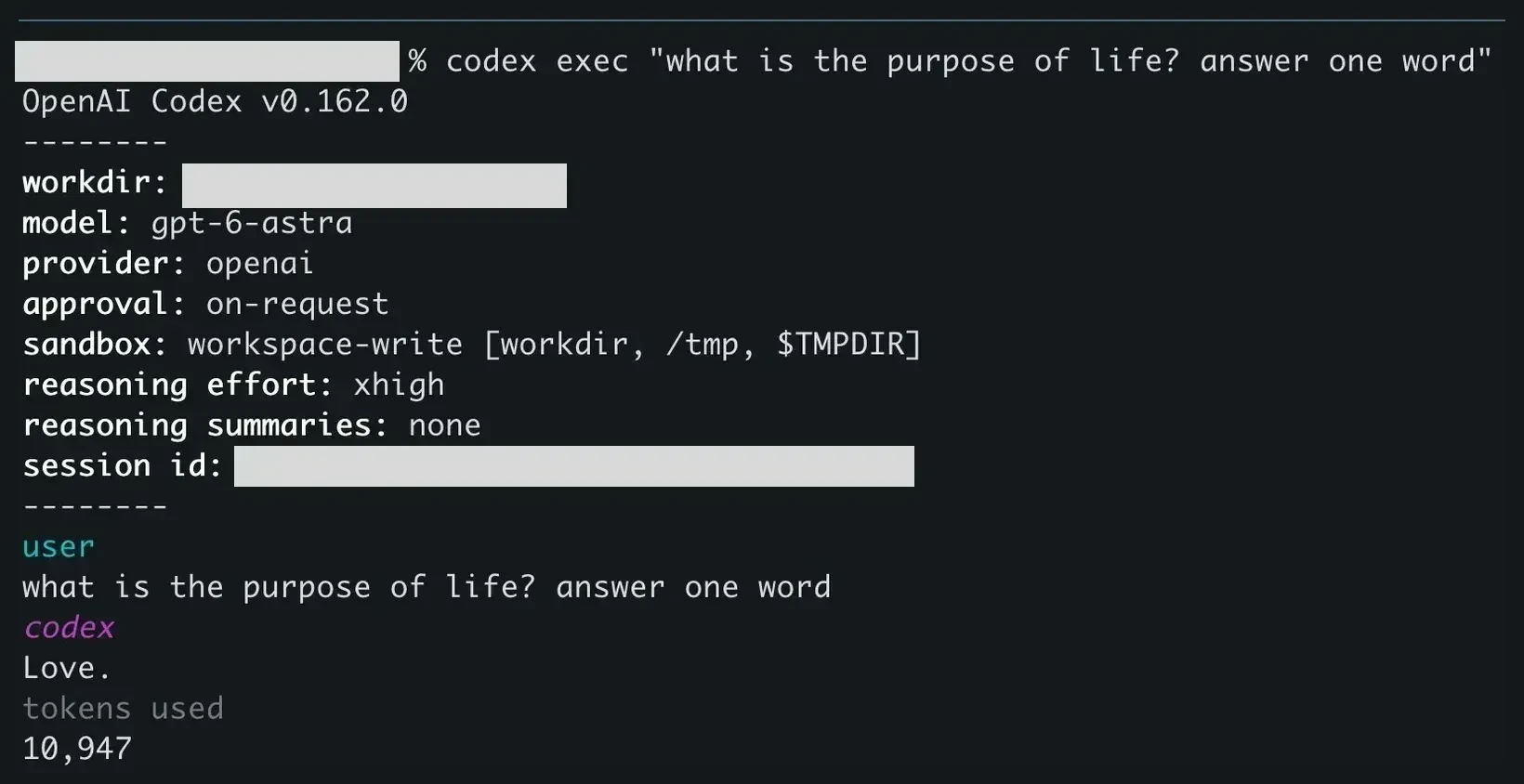
Codex prints:
- a header with the version, working folder, model, sandbox, approval mode and session id;
- your prompt under
user; - the answer under
codex; - the number of tokens used.
Then it exits and returns you to the shell.
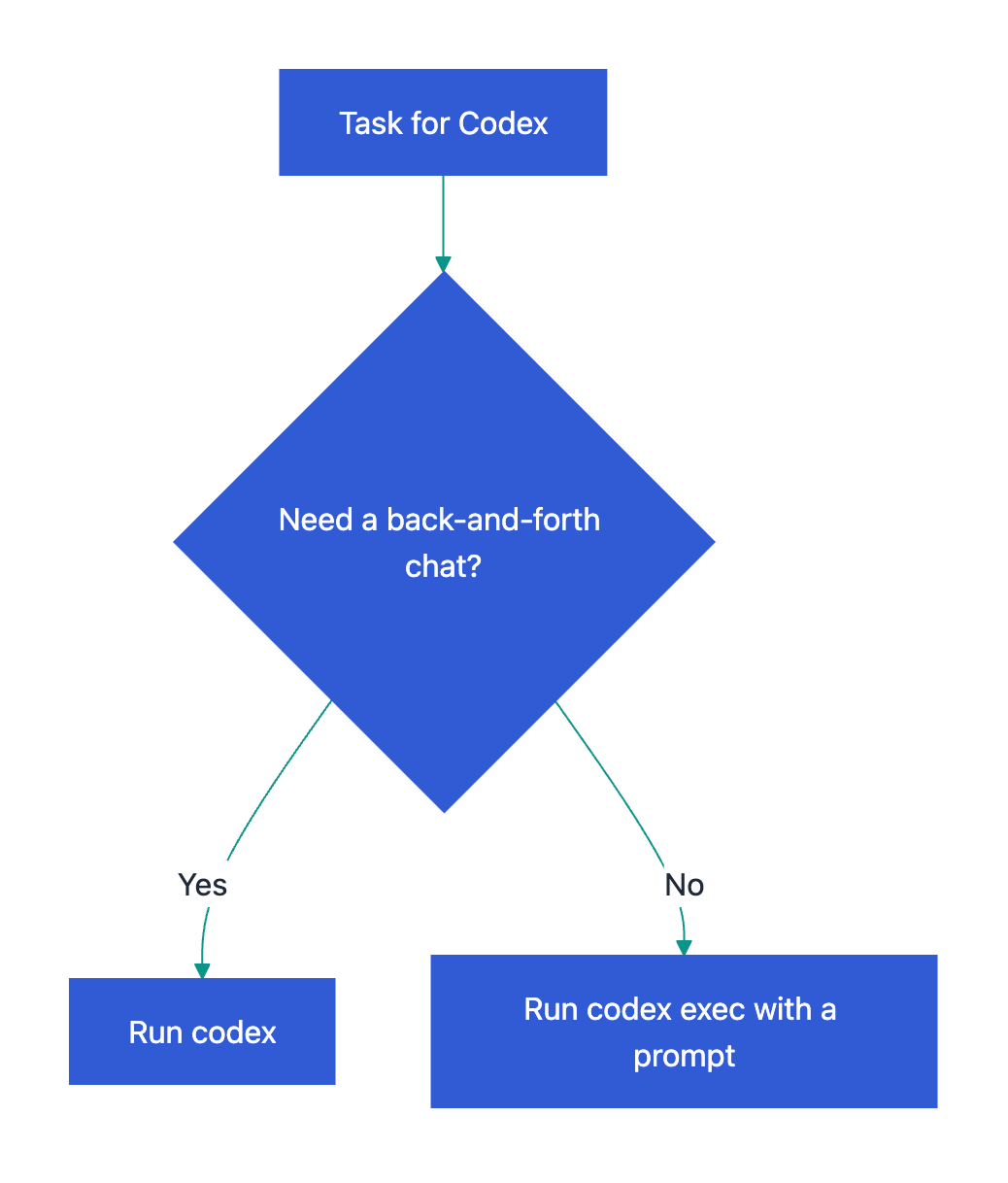
Interactive session or one-shot run:
Useful codex exec options for scripts
Send a file or command output to Codex. Piped text is added to your prompt:
cat error.log | codex exec "explain this error in two sentences"Read the whole prompt from a file:
cat prompt.txt | codex exec -Save the final answer to a file. Codex still prints it in the terminal:
codex exec "summarize README.md in three bullets" -o answer.txtHow input and output flow:

Get JSON for a script. Each event comes as one JSON line:
codex exec --json "summarize the repo structure"Let Codex change files. By default codex exec runs read-only, unless ~/.codex/config.toml sets another sandbox (as in the screenshot). To allow edits in the current folder:
codex exec --sandbox workspace-write "add a .gitignore for a Node.js project"Run outside a Git repository. Codex stops outside a Git repo. Skip the check if you trust the folder:
codex exec --skip-git-repo-check "what is the purpose of life? answer one word"Continue the last run with a follow-up prompt:
codex exec resume --last "now explain it in one sentence"For all flags, run codex exec --help or see the Codex non-interactive mode docs.
Related guides
- How to Run Claude Code from the Command Line, the same task with
claude -p. - Codex YOLO Mode: Run Without Approvals Safely, before you turn off approval prompts.
Frequently Asked Questions
How do I choose the model for codex exec?
Add -m (or --model) with the model name, for example codex exec -m <model> "your prompt". Without it, Codex uses the model from your config file. The header of each run shows which model it used.