
How to Run Claude Code from the Command Line
You can run Claude Code from the command line without opening an interactive session. Add -p (short for --print) to the claude command to use print mode, also called headless or non-interactive mode: Claude Code takes one prompt, prints the answer and exits. Use it in scripts, cron jobs or for a quick question.
Install the Claude Code CLI
On macOS, Linux or WSL, run the installer:
curl -fsSL https://claude.ai/install.sh | bashOn Windows, run this in PowerShell:
irm https://claude.ai/install.ps1 | iexYou can also install it with Homebrew:
brew install --cask claude-codeOr with npm:
npm install -g @anthropic-ai/claude-codeThen start Claude Code once and sign in in the browser. Claude Code needs a Pro, Max, Team or Enterprise plan, or a Claude Console account.
claudeRun a prompt with claude -p
Put the prompt in quotes after claude -p:
claude -p "what is the purpose of life? answer one word"Here is what Claude Code print mode looks like:

Claude Code prints only the answer, with no header, and returns you to the shell. Markdown is not rendered, so **Love.** is bold text in Markdown.
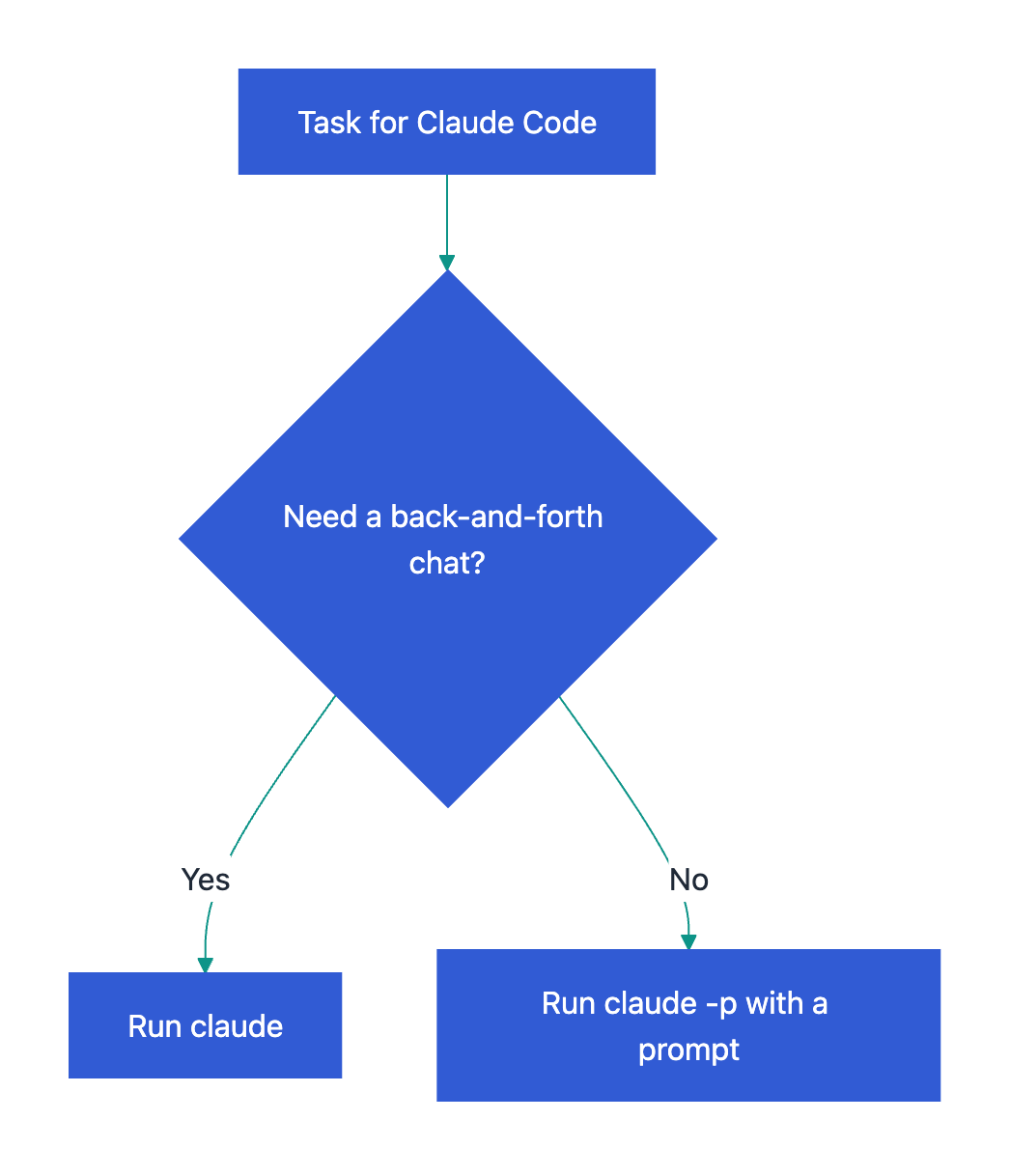
Interactive session or print mode:
Useful claude -p options for scripts
Send a file or command output to Claude. Print mode reads piped text, and you can save the answer with >:
cat build-error.txt | claude -p "explain the root cause of this build error" > output.txtHow input and output flow:

Get JSON for a script. The answer is in the result field, next to the session id and cost:
claude -p "summarize this project" --output-format jsonLet Claude change files without asking. List the tools it may use:
claude -p "run the tests and fix any failures" --allowedTools "Bash,Read,Edit"Allow file edits only:
claude -p "apply the lint fixes" --permission-mode acceptEditsContinue the last conversation with a follow-up prompt:
claude -p "now explain it in one sentence" --continueFor all flags, run claude --help or see the Claude Code headless mode docs.
Related guides
- How to Run Codex from the Command Line, the same task with
codex exec. - Claude Code YOLO Mode: What The Flag Means, before you turn off permission prompts.
Frequently Asked Questions
Can claude -p edit files?
Yes, if you allow it. In print mode nobody can answer permission prompts, so actions that need approval are denied. Add --allowedTools "Read,Edit" or --permission-mode acceptEdits to let Claude Code change files.
How do I get only the text answer from JSON output?
Pipe the JSON into jq and read the result field: claude -p "Summarize this project" --output-format json | jq -r '.result'. The same JSON also holds the session id, which you can pass to --resume later.
How can a script tell if claude -p failed?
Check the exit code. Claude Code exits with 0 on success and with a non-zero code when the run fails. An invalid flag is reported on stderr before the run starts.