
Receive invoices in a bucket
Give suppliers or carriers your bucket’s email address—for example, [email protected]. Revdoku automatically saves incoming messages and attachments.
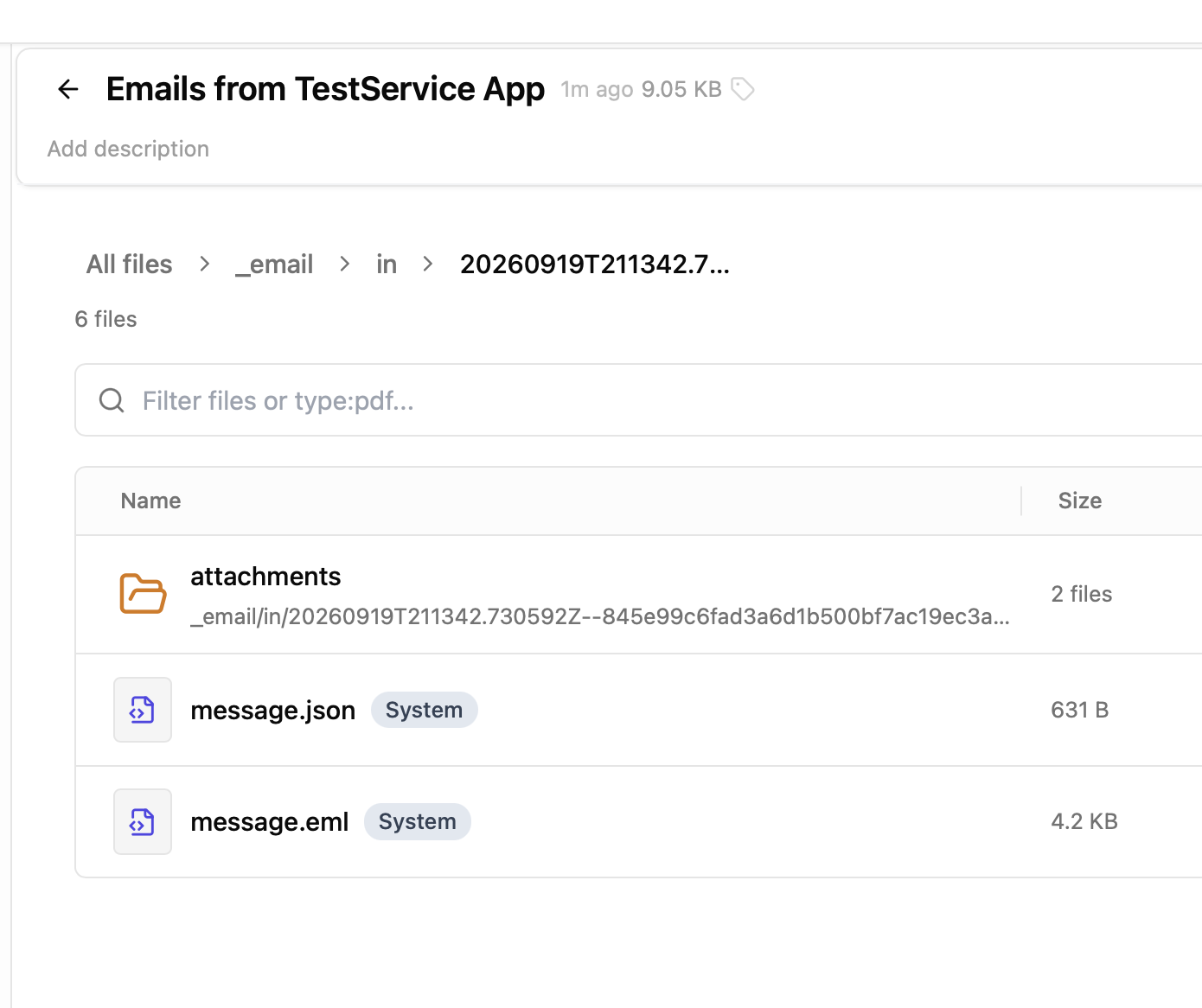
Let an AI agent check the attachments
The agent reads invoice PDFs, extracts amounts, and checks for duplicates. It compares charges with saved purchase orders or agreed rates and reviews supporting documents.
For example, a carrier invoices $3,100 against an agreed $2,850 rate. The agent flags the extra $250 detention fee for human review.
Keep the results together
The agent saves its findings and updates an invoice ledger in the same bucket. Review flagged items in the web UI, with file history and access logs available.
Connect your AI agent to process incoming invoices.