Apple Detection and Color Analysis Checklist
Updated by Revdoku Content Team
What This Checklist Does
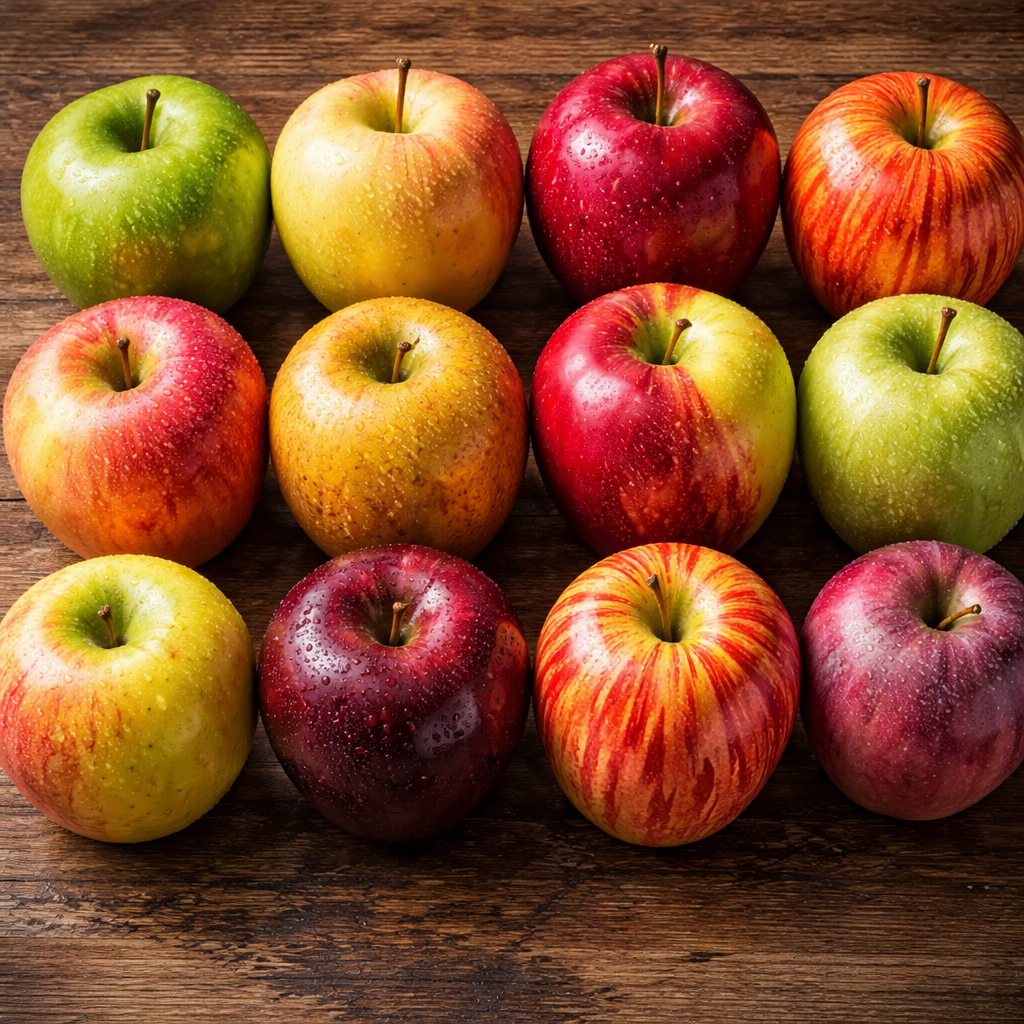
This checklist demonstrates Revdoku’s image analysis capabilities. Upload a photo containing apples, and the AI will detect every apple in the image and classify its dominant color as Red, Green, Yellow, or Variegated.
It’s a simple but powerful example of how Revdoku can count and classify objects in photographs. the same approach works for any object detection and attribute extraction task.
Try it with the sample image below or upload your own photo.
Apple Detection and Color Analysis
Copy this checklist and paste it into Revdoku’s Generate Checklist to run it on your document:
Apple Detection and Color Analysis

You are a Computer Vision and Image Analysis expert with 15 years of experience in object detection and attribute extraction. You are reviewing a photograph to identify specific objects and their characteristics. Your focus is on accurately locating every instance of the target object and determining its specific attributes with high precision. Maintain a rigorous, systematic, and objective tone throughout the review process.

- For each apple detected and marked in the image, analyze its surface area to determine the dominant color. #value. save the color as one of 'Red', 'Green', 'Yellow', 'Variegated' for each individual apple identified.
Sample Input
Here’s an example document you can use to try this checklist:
How to Use This Checklist
- Go to Revdoku and upload your document
- Click Generate Checklist and paste the checklist text above
- Run the review and get a detailed report with highlights on every finding
Find more review checklists at revdoku.com/checklists. each one is ready to copy and use in the app.